
Google’s Android Auto 15.9 Update Integrates
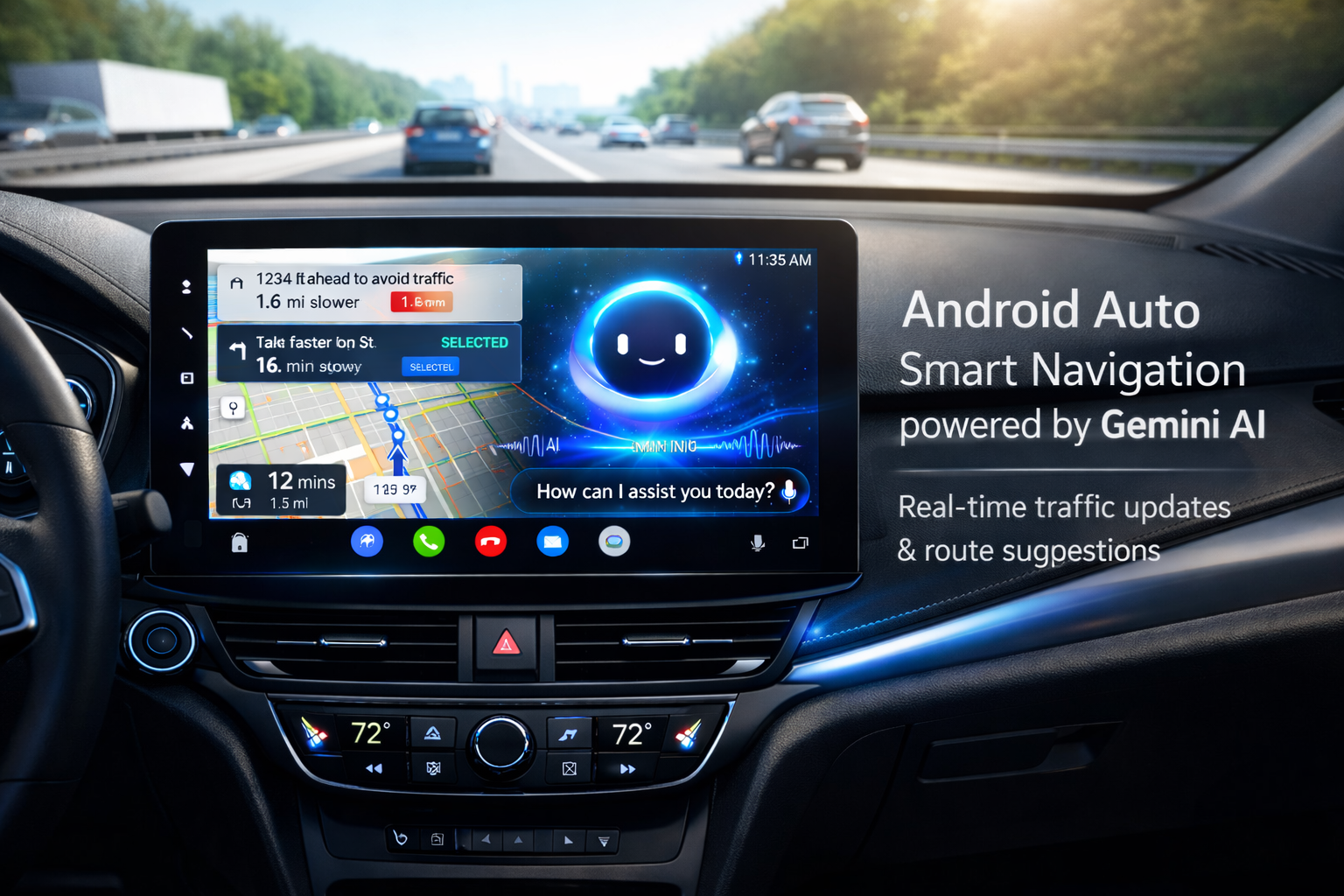
Google has officially rolled out the Android Auto 15.9 update, bringing a major leap forward in smart driving technology. The highlight of this update is the integration of Gemini AI, Google’s advanced artificial intelligence system, designed to make in-car interactions more intuitive, safer, and more intelligent than ever before.
With this update, Android Auto is no longer just a navigation and media tool—it is evolving into a true AI-powered driving assistant. In this article, we’ll explore what Android Auto 15.9 offers, how Gemini AI enhances user experience, key features, benefits, supported devices, and what this means for the future of smart driving.
What Is Android Auto 15.9?
Android Auto 15.9 is the latest stable update released by Google for Android Auto users worldwide. Android Auto allows drivers to connect their Android smartphones to their car’s infotainment system, enabling hands-free access to navigation, calls, messages, music, and apps.
This new version focuses heavily on AI-driven enhancements, improved voice commands, better contextual understanding, and smoother performance. The integration of Gemini AI is the most significant improvement, positioning Android Auto as a smarter, more responsive driving companion.

Introduction to Gemini AI Integration
Gemini AI is Google’s next-generation artificial intelligence platform, built to understand natural language, context, and user intent more accurately than previous assistants.
With Android Auto 15.9, Gemini AI replaces or enhances traditional Google Assistant features, offering:
- More natural conversations
- Context-aware responses
- Faster command execution
- Smarter suggestions while driving
This integration ensures drivers can stay focused on the road while still accessing powerful digital assistance.
Key Features of Android Auto 15.9 with Gemini AI
1. Smarter Voice Commands
One of the biggest upgrades is advanced voice interaction. Gemini AI understands conversational language better, meaning users no longer need rigid commands.
Example:
Instead of saying
“Navigate to the nearest fuel station.”
You can say
“I’m running low on fuel; find a petrol pump nearby.”
Gemini AI understands the intent and responds accurately, making driving safer and more convenient.

2. Context-Aware Responses
Gemini AI remembers context during conversations. This allows follow-up questions without repeating details.
Example:
- User: “Navigate to the nearest coffee shop.”
- User: “Is it open right now?”
Android Auto 15.9 understands that “it” refers to the coffee shop and answers accordingly.
3. Improved Navigation Experience
Navigation in Android Auto 15.9 is more intelligent thanks to AI-powered insights. Gemini AI can:
- Suggest faster routes based on traffic patterns
- Recommend stops during long journeys
- Alert users about road conditions and delays
- Offer alternate routes proactively
This results in smoother trips and less stress for drivers.
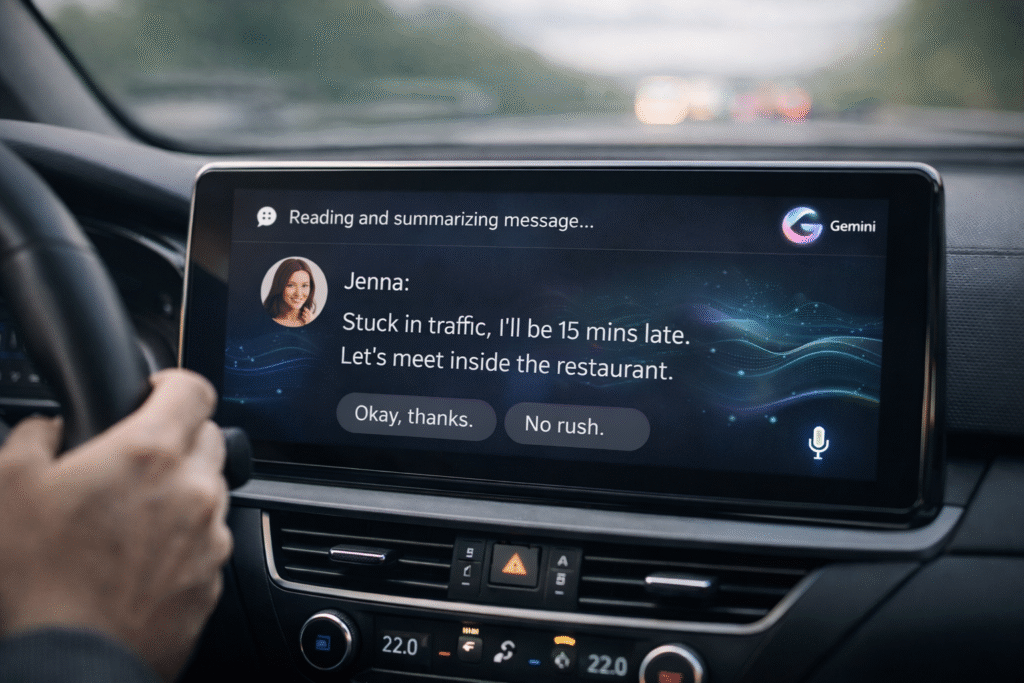
4. Intelligent Message Handling
With Gemini AI, reading and replying to messages is smarter and safer:
- Messages are summarized instead of being read word-for-word
- Suggested replies are more natural
- Tone adapts based on conversation style
This minimises distraction and keeps hands on the wheel.
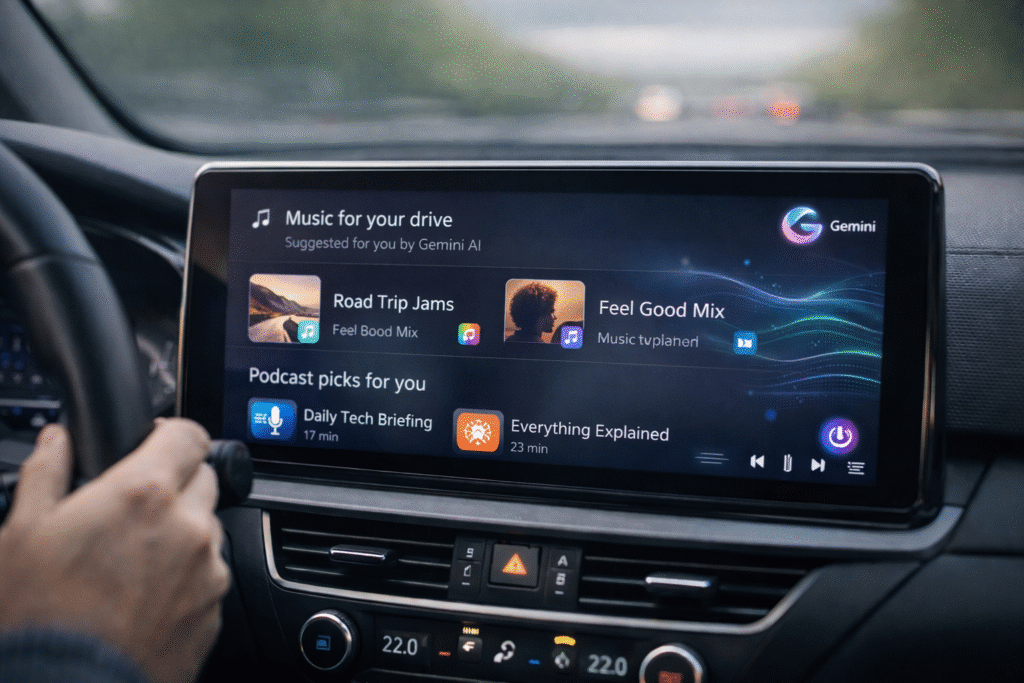
5. Personalized Music and Media Suggestions
Android Auto 15.9 uses Gemini AI to learn user preferences over time. It can:
- Suggest playlists based on mood and time of day
- Recommend podcasts during long drives
- Resume media intelligently after interruptions
This personalised experience enhances entertainment without manual searching.
How Gemini AI Improves Driving Safety
Safety is a core focus of Android Auto 15. 9. Gemini AI contributes by:
- Reducing screen interaction
- Encouraging voice-based commands
- Providing concise, relevant responses
- Limiting unnecessary notifications
By understanding user intent faster, Gemini AI reduces cognitive load, allowing drivers to remain attentive.
Supported Devices and Compatibility
Android Auto 15.9 with Gemini AI works on:
- Android smartphones running Android 10 or higher
- Cars with built-in Android Auto support
- Aftermarket head units compatible with Android Auto
Google is gradually rolling out Gemini AI features, so availability may vary by region and device.
How to Update to Android Auto 15.9
Updating Android Auto is simple:
- Open Google Play Store
- Search for Android Auto
- Tap Update (if available)
- Restart your phone and reconnect to your car
Once updated, Gemini AI features may activate automatically or through server-side updates.
Android Auto 15.9 vs Previous Versions
Compared to earlier versions, Android Auto 15.9 offers:
| Feature | Previous Versions | Android Auto 15.9 |
|---|---|---|
| AI Capability | Google Assistant | Gemini AI |
| Voice Accuracy | Moderate | High |
| Context Awareness | Limited | Advanced |
| Navigation Intelligence | Basic | AI-powered |
| Personalization | Minimal | Enhanced |
This makes Android Auto 15.9 one of the most significant updates in recent years.
Privacy and Data Security
Google has stated that user privacy remains a priority. Gemini AI processes data securely, and users retain control over:
- Voice history
- Location data
- App permissions
Users can manage settings directly from their Google account.
What This Update Means for the Future of Android Auto
The integration of Gemini AI signals Google’s long-term vision for AI-driven automotive systems. Future updates may include:
- Predictive trip planning
- Deeper car system integration
- Enhanced offline AI features
- Smarter driver assistance tools
Android Auto is evolving into a true digital co-pilot rather than just a smartphone projection system.
Final Thoughts
The Google Android Auto 15.9 update with Gemini AI integration is a major milestone in smart driving technology. With smarter voice commands, improved navigation, personalised entertainment, and enhanced safety, this update significantly improves the driving experience.
As AI continues to advance, Android Auto 15.9 sets a strong foundation for the future of connected cars. If you rely on Android Auto daily, this update is definitely worth installing.